Why trust your passwords to someone else's servers? Your phone can keep them encrypted, where only you can open them, and share them with your other devices only when you approve.


Free on your phone. No credit card.
Most of us do it. It is also how one leaked password turns into five hacked accounts. Fobb gives every account its own strong password, and you never have to remember any of them.
People who use a password manager are about half as likely to have their logins or identity stolen.
Had identity or credential theft in the past year. Source: Security.org, 2024 Password Manager Industry Report
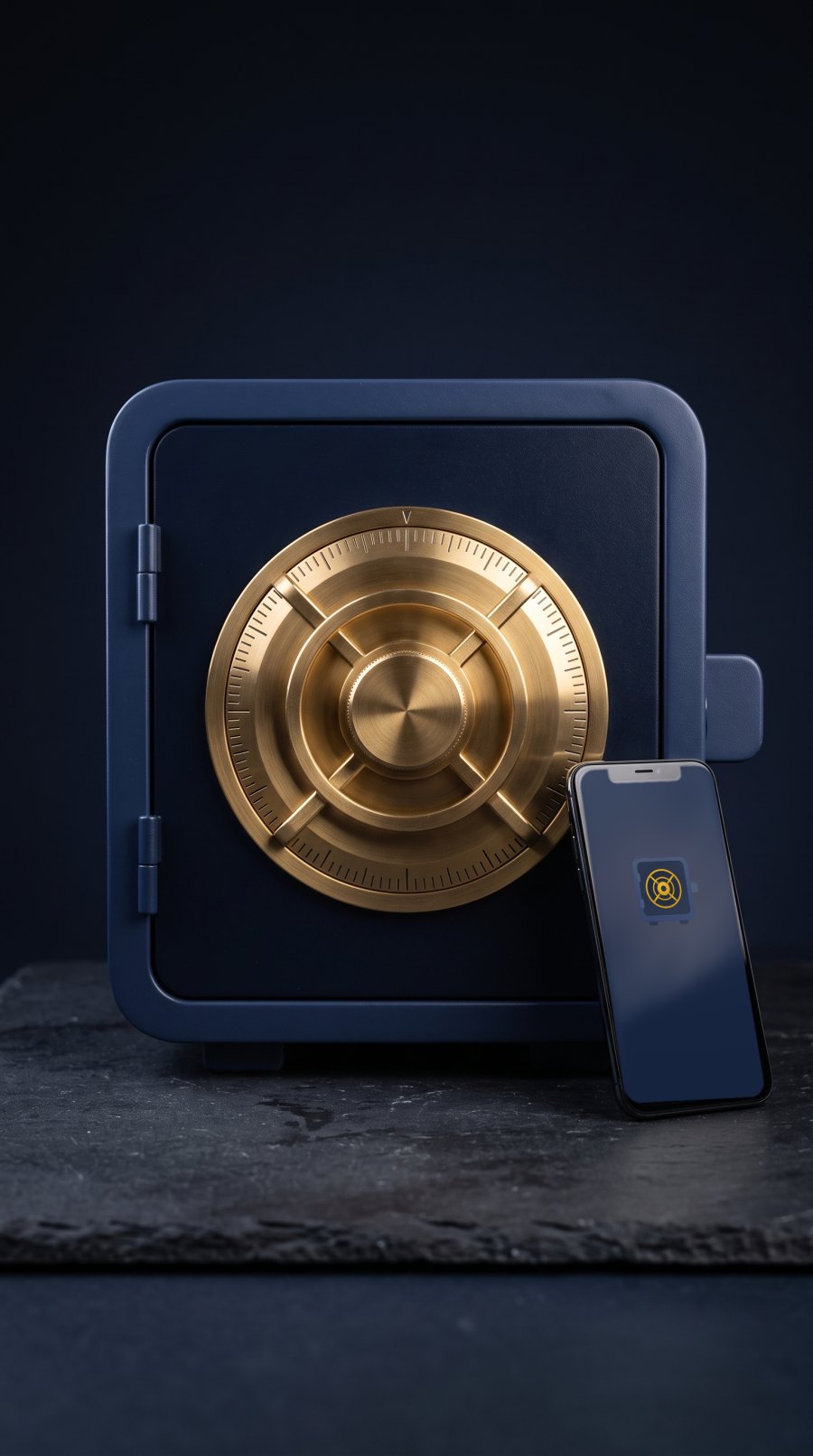
Your vault is encrypted on your phone. Only your phone can open it.
We never have your passwords or your Fobb unlock password. We only keep your email.
Between your phone and computer, everything is end-to-end encrypted. Our server only passes along sealed messages it can’t read.
Every request needs your fingerprint or face on your phone. No approval, no password.
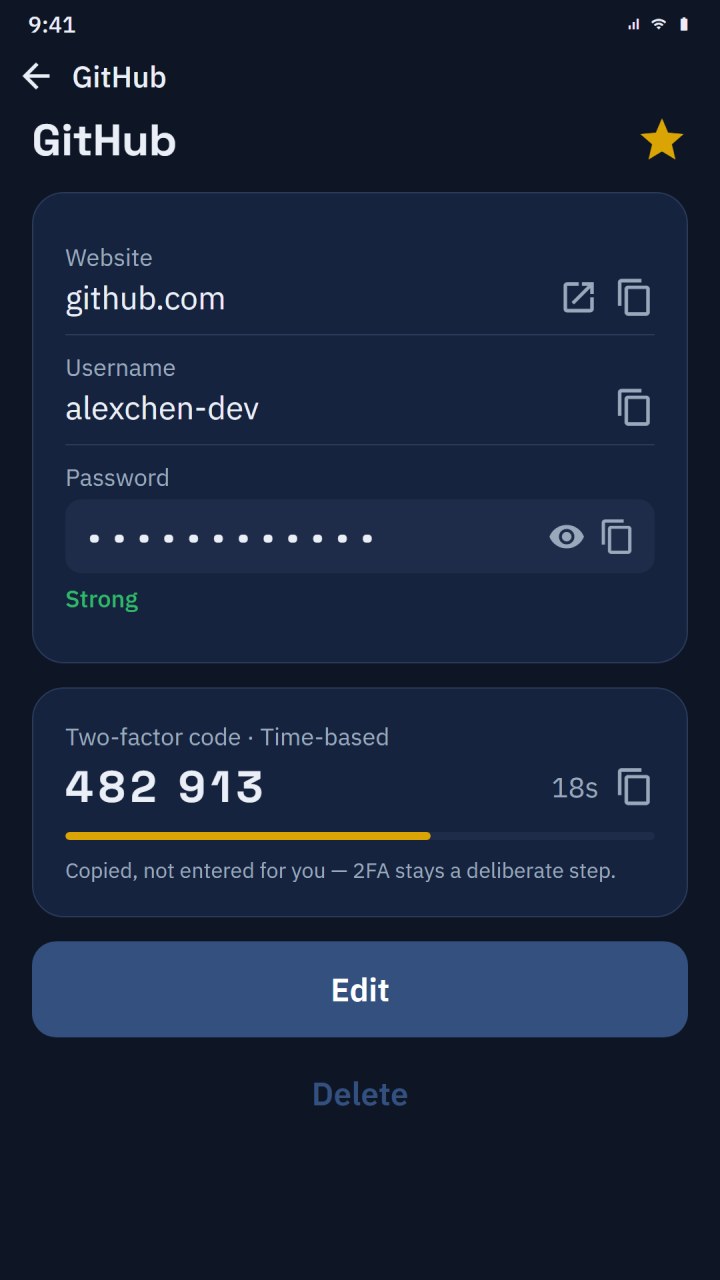
Your 6-digit sign-in codes live right under the password they belong to. No separate authenticator app to juggle.
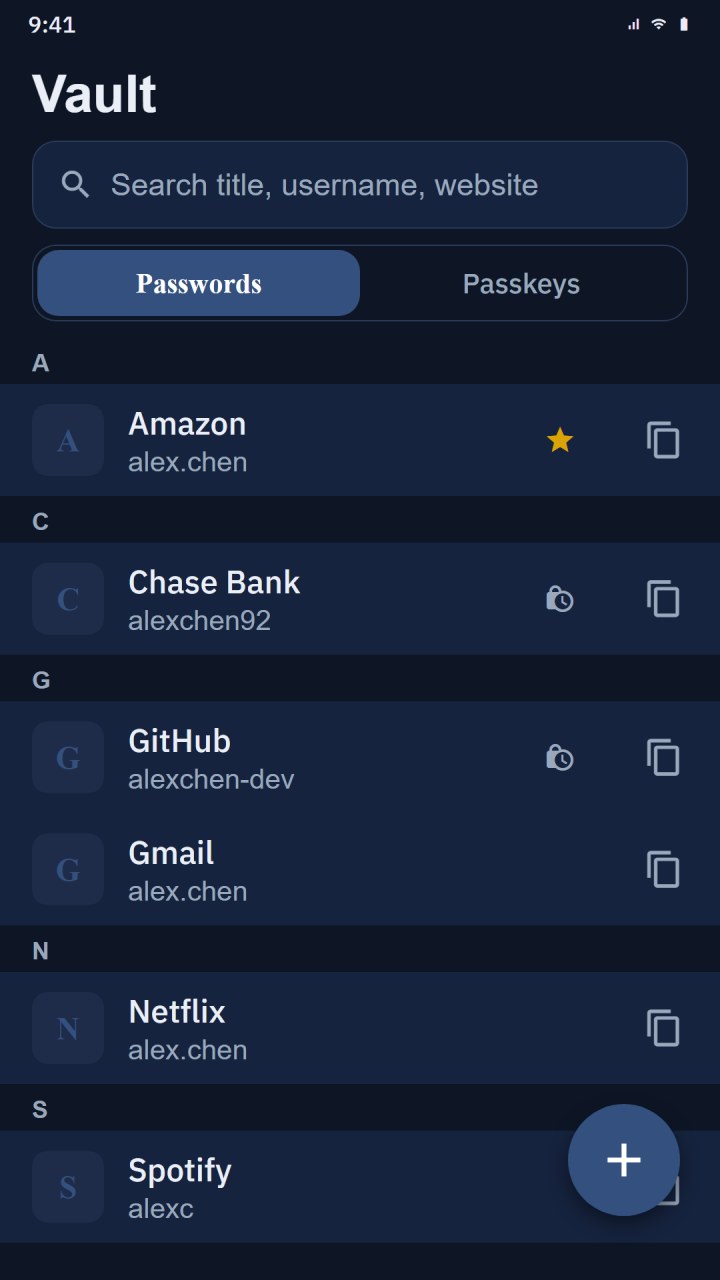
Your passwords live on your phone, locked with your fingerprint or face. Not in the cloud, not on our servers.
More sites now let you sign in without a password. Fobb keeps those passkeys in the same vault, so you are not locked into Apple or Google.
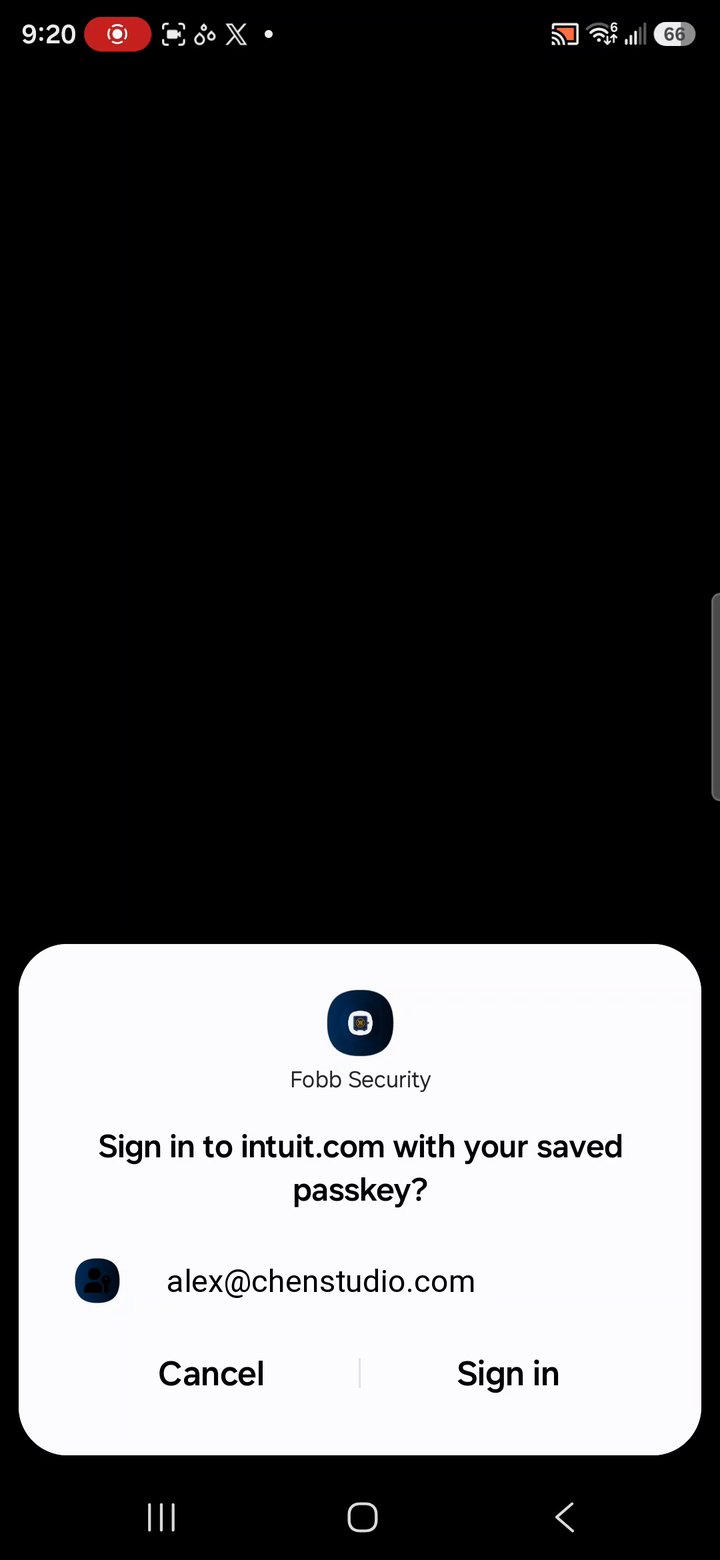
Your laptop asks your phone for a password only when you need it. You pick the login on your phone, and there is no vault on the laptop to steal.
Premium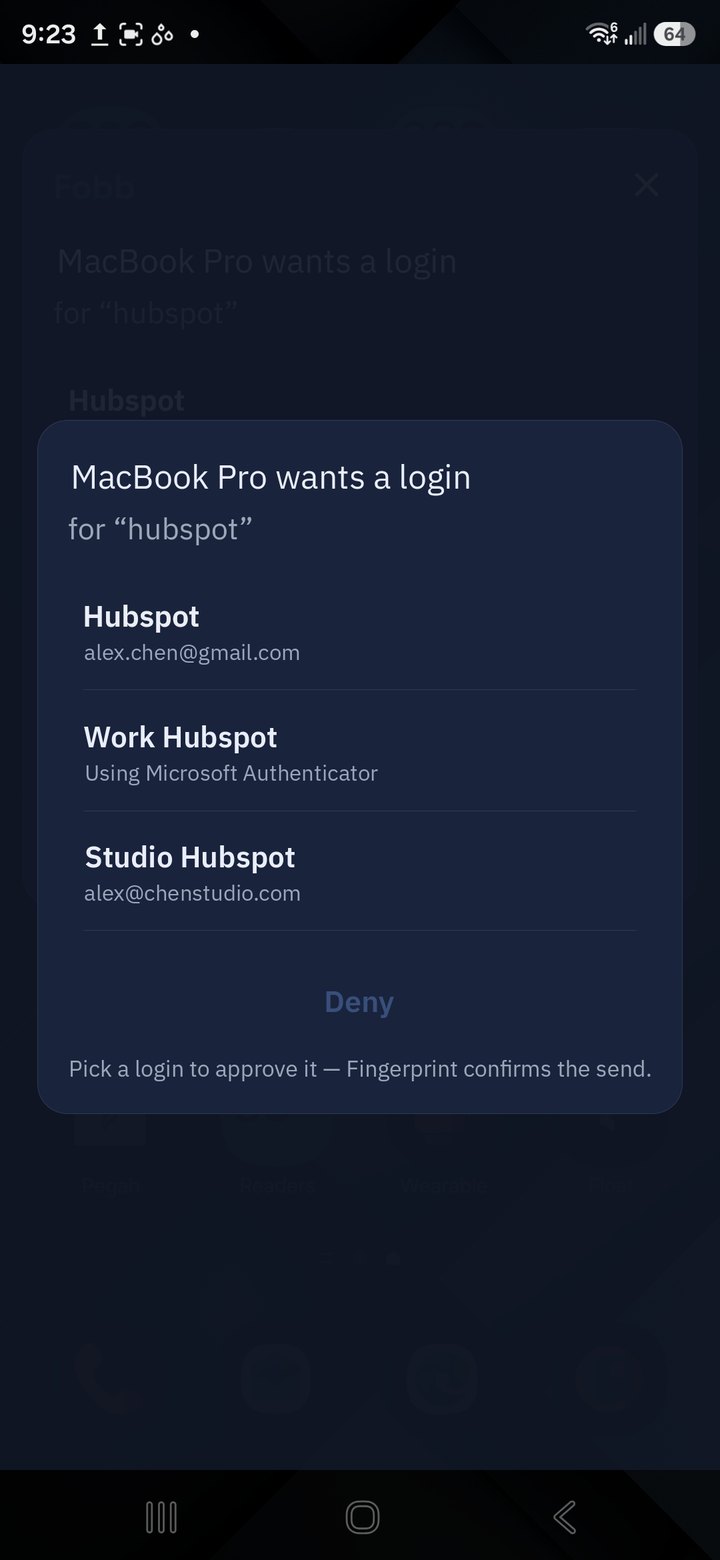
Copy text on your phone and paste it on your computer, or the other way round. Sent encrypted and wiped after 60 seconds.
Premium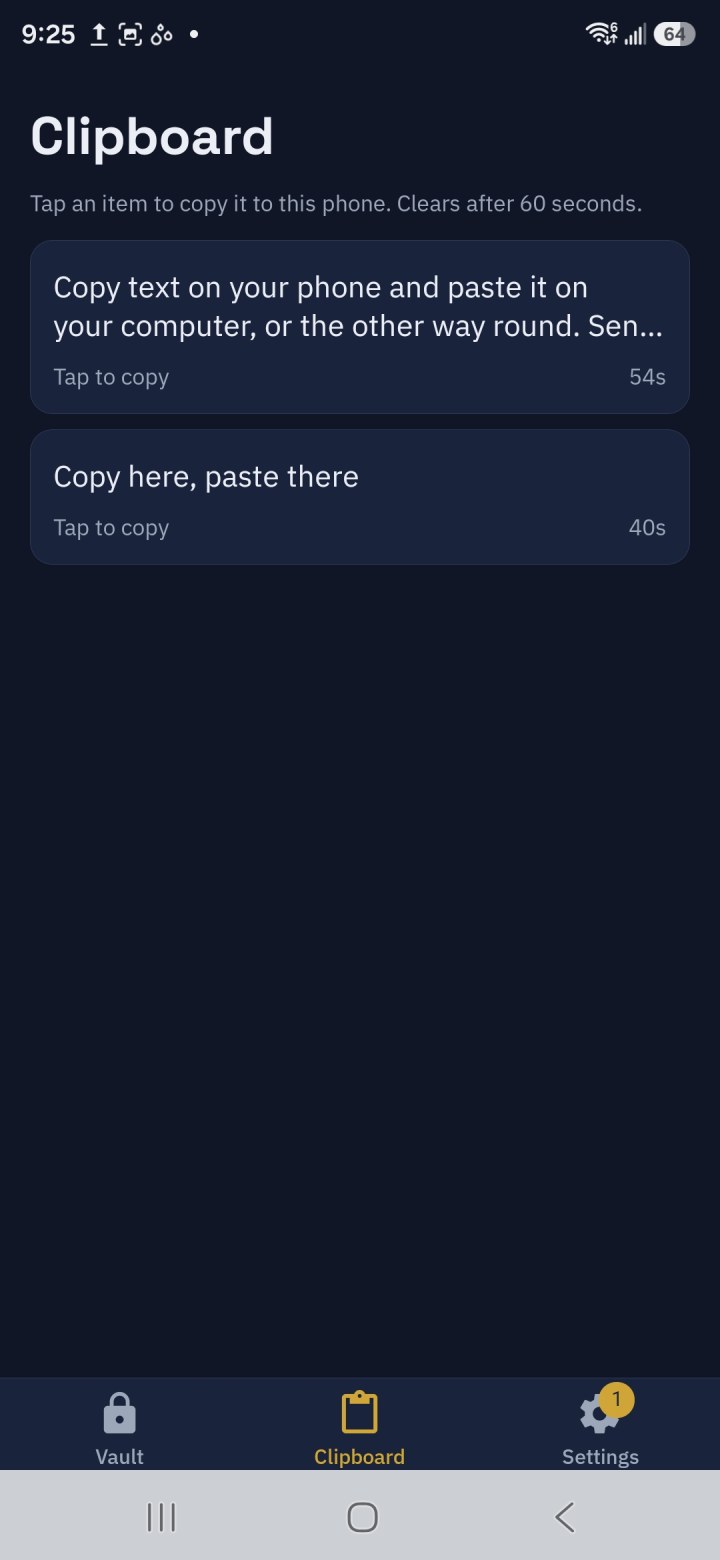
An encrypted backup goes to your own Google Drive or OneDrive. New phone? Sign in, enter your Fobb password, and everything is back.
Premium
Three steps. After that, just a fingerprint.
Install the free app and bring your passwords in. Fobb fills them into apps and websites on your phone.
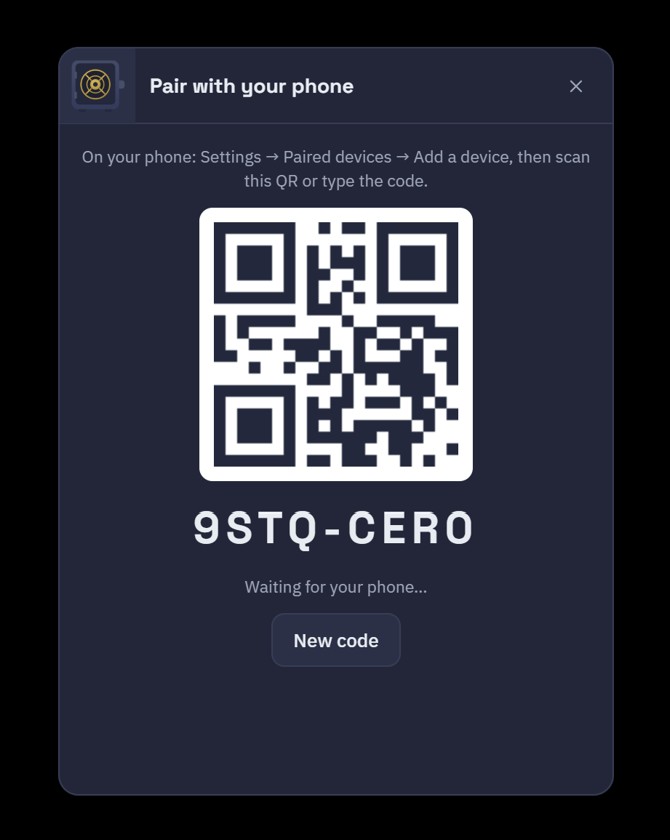
Download Fobb for Windows or Mac. Scan its code with your phone, or type it in, then confirm the matching number on both screens.
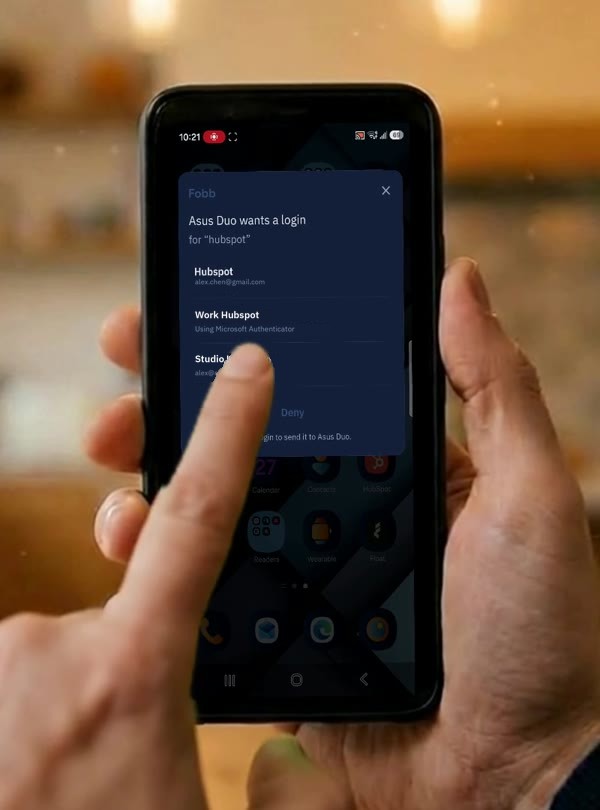
Press the shortcut on your computer, confirm with your fingerprint or face, pick the login, and it shows up on your screen.
Everything on your phone
Everything in Free, plus